
Live Classes
Join Zoom sessions scheduled by your mentor directly from your dashboard.
Seeing Upcoming Classes
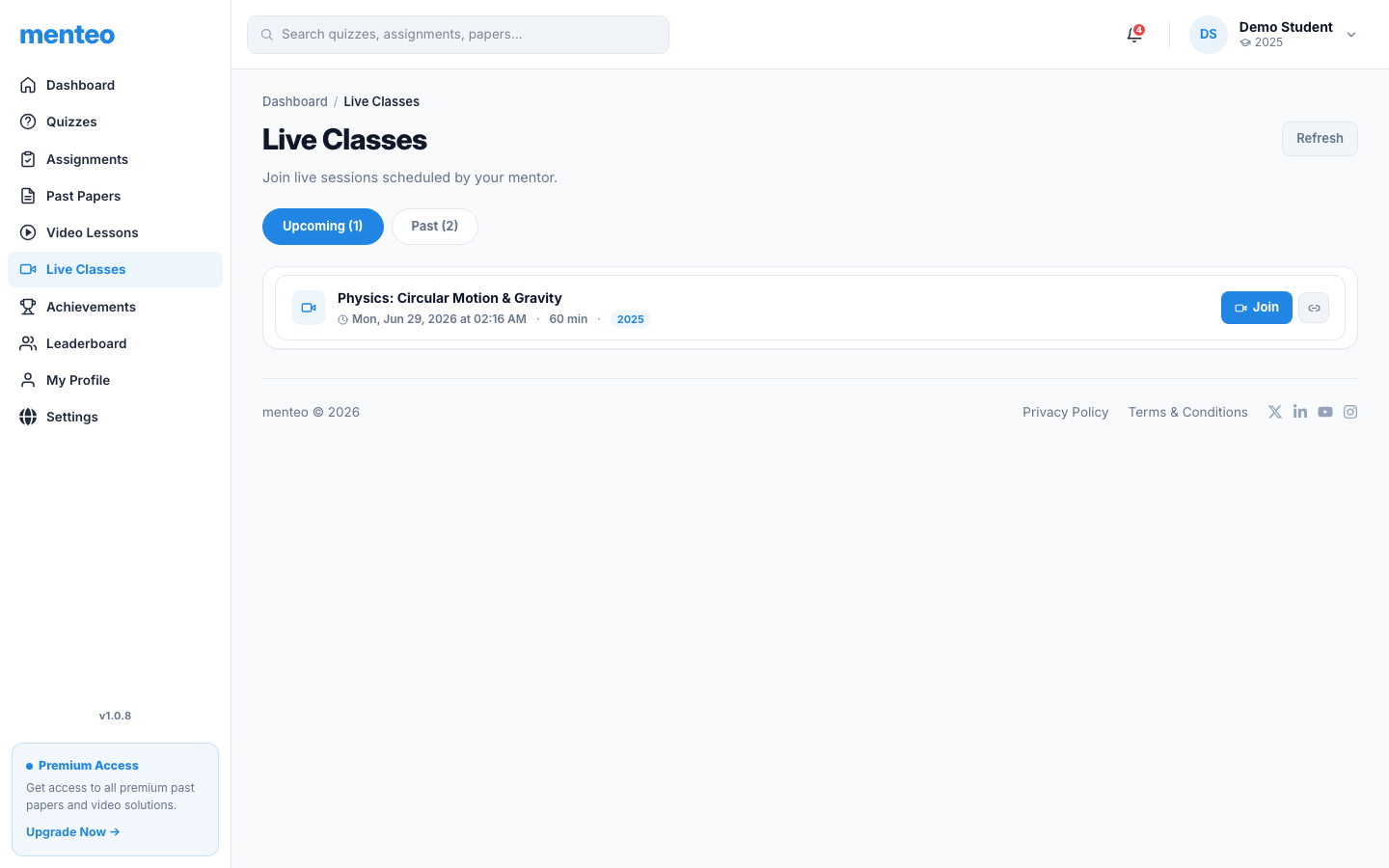
- Click Live Classes in the sidebar
- Upcoming classes are shown with:
- Title and date/time
- Countdown timer — time until the class starts
- Join Class button (active when the class is about to start)
Joining a Class
- When the class is about to start, click Join Class
- Zoom opens in a new tab
- Allow your microphone and camera when prompted by Zoom
TIP
Join a few minutes early so you're ready when the mentor starts.
If You Miss a Class
Ask your mentor to upload the recording to the Videos section. You can then watch it at your own pace.
Reminders
You'll receive automatic notifications:
- When a new class is scheduled
- 24 hours before the class
- 1 hour before the class
Check your 🔔 notifications or email to stay up to date.