
Video Lessons
Host YouTube and Vimeo videos in a distraction-free player — no ads, no recommendations.
Add a Video
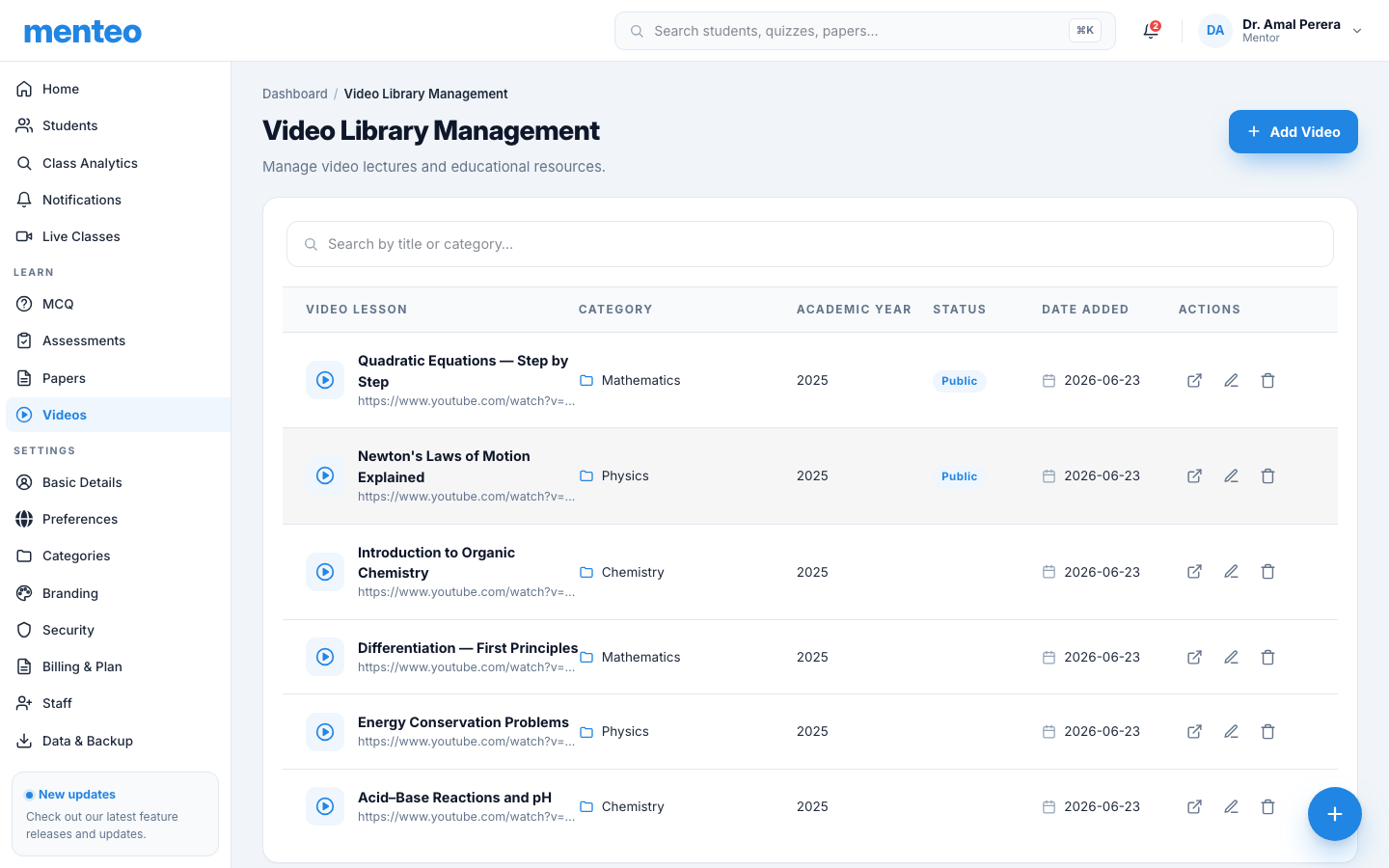
- Click Videos in the sidebar
- Click + Add Video
- Fill in:
| Field | Description |
|---|---|
| Title | e.g. "Introduction to Photosynthesis" |
| Description | What students will learn (optional) |
| Category | Subject folder (e.g. "Biology") |
| Academic Year | Year group this is intended for |
| Video URL | YouTube or Vimeo link |
| Make Public | Allow guest students to access |
- Click Add Video
Supported platforms
- YouTube —
https://www.youtube.com/watch?v=...orhttps://youtu.be/... - Vimeo —
https://vimeo.com/...
Editing a Video
- Click ⋮ → Edit on the video row
- Update any field or paste a new URL
- Click Save Changes
Deleting a Video
Click ⋮ → Delete on the video row.
Student Experience
Students see videos grouped by category. Clicking a video opens a clean embedded player — no YouTube ads, recommended videos, or distractions.